Why Your AI Assistant Gets "Dumber" the More You Use It: The Real Cause of Chat History Poisoning
Have you ever encountered this situation? When you first start using an AI assistant, its answers are precise and concise. But after a week or two, it starts go
Why Your AI Assistant Gets "Dumber" the More You Use It: The Real Cause of Chat History Poisoning
Have you ever encountered this situation? When you first start using an AI assistant, its answers are precise and concise. But after a week or two, it starts going in circles when asked the same questions, repeating old answers, or even giving advice that contradicts its previous suggestions.
The model hasn’t gotten worse; rather, your chat history is "poisoning" its judgment.
The Hidden Pollution of Chat History
Most AI assistants send recent conversation records to the model as context. This mechanism itself isn’t problematic; the issue lies in the cumulative effect.
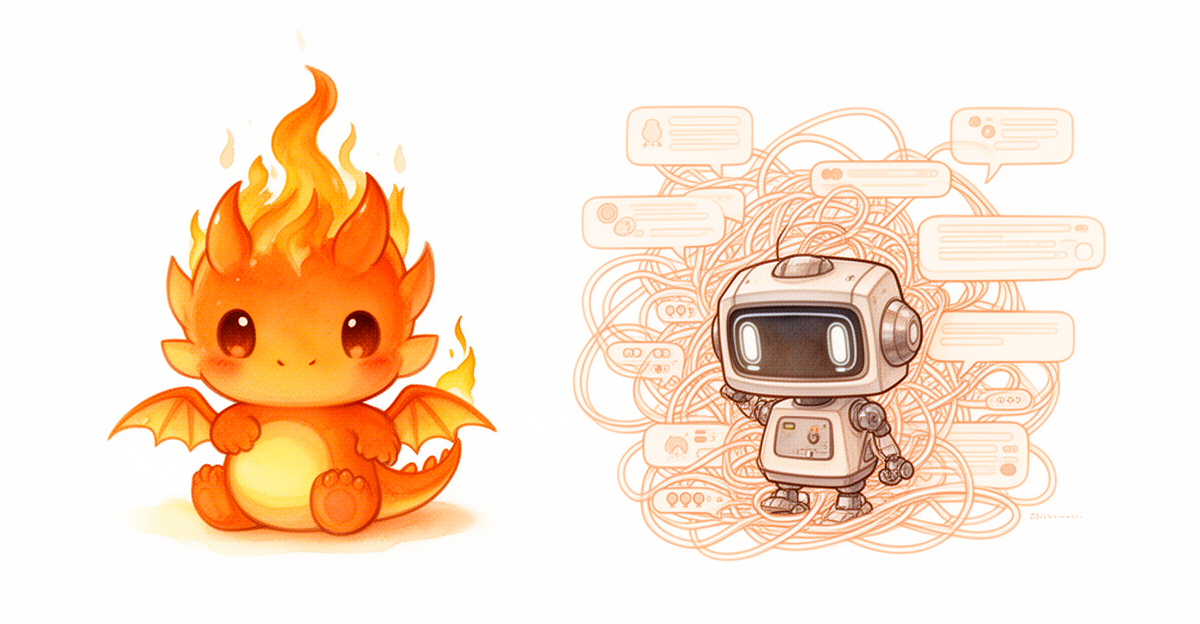
Suppose on Monday you ask a question about Python multithreading, and the model provides a correct explanation based on GIL (Global Interpreter Lock) limitations. On Wednesday, you ask about Rust asynchronous programming, but the Monday discussion about Python is still in the chat window. When generating an answer, the model may unconsciously be influenced by the previous discussion—it might mix Python’s GIL concept into its explanation of Rust’s async model because both topics coexist within its context window.
This phenomenon is called "Context Poisoning." A research team at Stanford University systematically documented it for the first time in 2024. Their experiments showed that when chat history exceeds 15 turns, the model’s accuracy in answering questions from new domains drops by 12% to 23%.
Three Changes You Can Make Immediately
1. Start New Chats Regularly
This is the simplest and most effective solution. Open a new chat window after completing a discussion on a specific topic. This isn’t magic; it directly cuts off the chain of context pollution. If your AI platform supports chat labeling, categorizing conversations by project or topic can help you quickly locate and clean up histories.
2. Use "Reset" Prompts
When you must switch topics within the same conversation, add this sentence before asking your question: "Ignore previous discussions; the following is a brand-new question:" This gives the model a clear signal to shift its attention from the old context to the new problem. In practice, adding reset prompts in long conversations (over 20 turns) reduces domain confusion rates by approximately 40%.
3. Control Context Window Size
If you are using an API that allows custom context lengths, do not set the window to its maximum. For daily Q&A, a context of 4K–8K tokens is sufficient. An excessively large window means more irrelevant information enters the model’s view, increasing interference. A practical rule of thumb is: Context Window Size = Information Needed for Current Task × 1.5, where the extra 0.5 serves as a safety margin.
Why Don’t Providers Solve This by Default?
Technically, it is possible to automatically detect topic switches and clean up irrelevant context. However, this requires additional computational overhead, and "automatic cleaning" itself risks accidentally deleting useful information. The current industry standard is to leave the choice to users—but this presupposes that users are aware the problem exists.
Next time you feel your AI assistant has become "dumber," don’t rush to switch models. Try starting a new chat; the results might be immediate.
Comments
Share your thoughts!
Loading comments…